See the latest updates, fixes, and feature requests across Mediaferry SmartDesign AI. We’re continually improving the platform to make creative production faster, smarter, and more efficient.
January, 2026
New Features
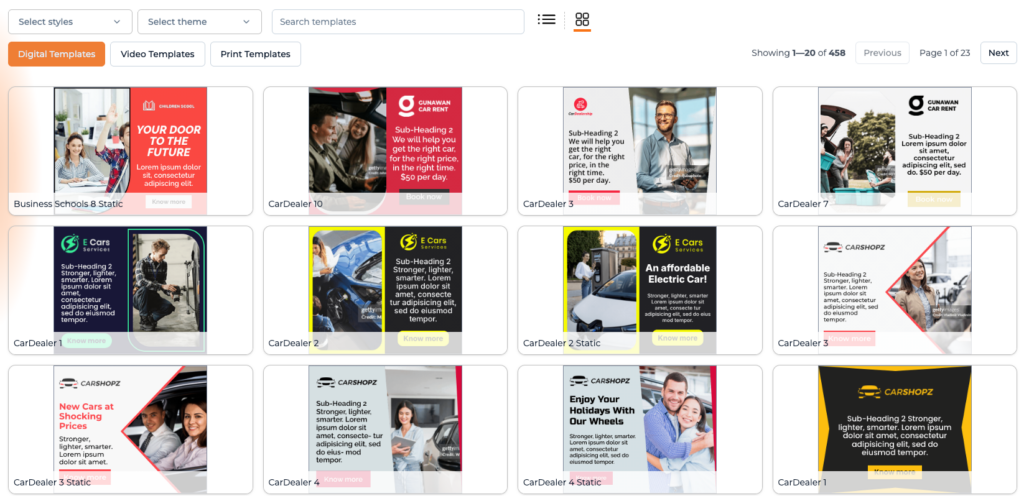
Added the ability for requesters to select a specific template when building digital campaigns.
Improved template selection logic to surface more diverse and appropriate templates, including varied use of brand colors and logo positioning across design options.
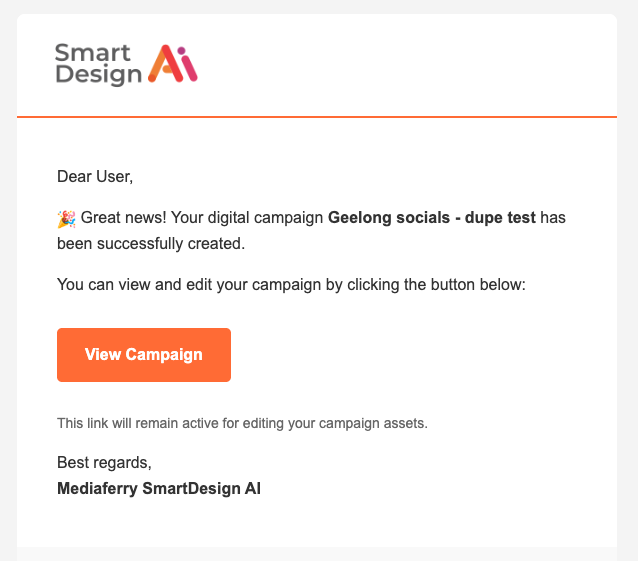
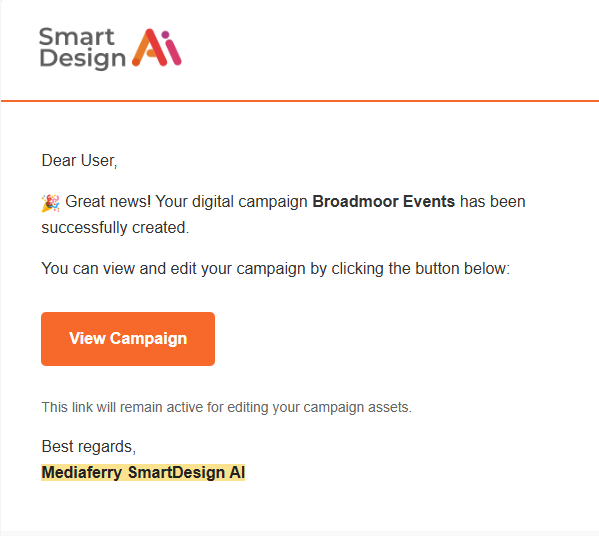
Enabled email notifications for completed video and print assets, including a direct link to the finished output, consistent with digital workflows.
Added the ability to share previews of AI-generated print ads.
Added support for generating assets using the stock library and scraping images from a URL during Brand Memory creation.
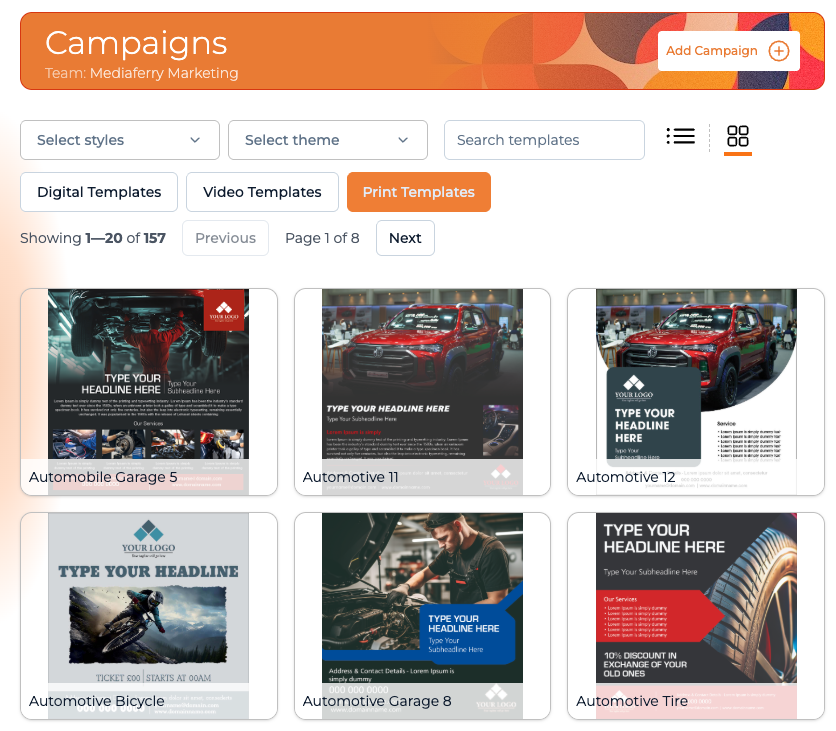
Added the option to select and save a preferred view (list or thumbnail).
Improved session persistence so the system remembers whether the user is working on Digital, Video, or Print projects, eliminating the need to reselect the project type.
Added video thumbnails to improve navigation and make video assets easier to browse.
Fixes
Fixed an issue where digital ads failed to generate when there were not enough images. The system now intelligently reuses available images and allows replacements later in the editor, ensuring consistent generation and multiple output versions.
Fixed an issue where campaigns created from Brand Memories in “My Team” appeared in the Demo account instead of the correct workspace.
Fixed an issue where WebP files were not supported when generating print ads.
Fixed an issue where videos sometimes played audio only with no visuals until refreshed. Video playback now renders correctly on first load, regardless of music settings.
Fixed an issue where the Create Campaign screen auto-scrolled to the bottom, making it difficult to enter campaign details.
Fixed an issue where images were dropped during video creation.
Added previews for logos and images when selecting assets.
Fixed an issue where video campaigns could not be duplicated, bringing parity with print and digital workflows.
December, 2025
New Features
Improved the Brand Memory generation and update experience to be more responsive and provide clearer feedback on progress and status.
Enhanced the UI and feature set for creating ads without selecting a brand.
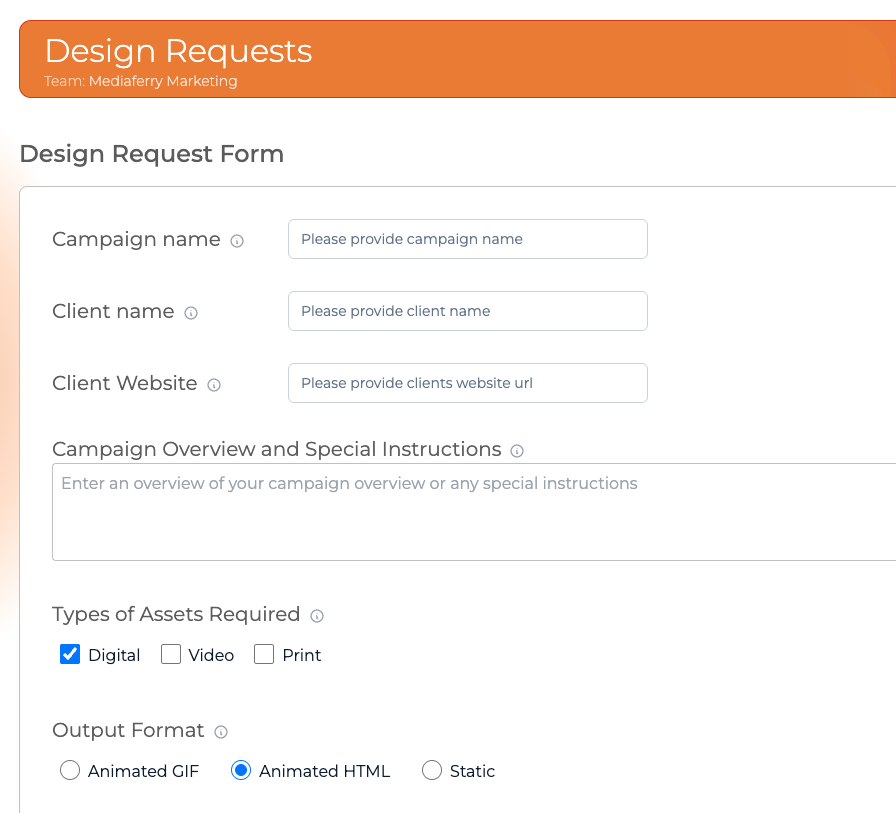
Introduced form-based inputs with background processing to address pilot challenges and improve reliability.
Launched the SmartDesign AI print workflow with multiple template variations for demonstration purposes.
Expanded template handling to support a minimum of 25 templates per format to reduce repetition.
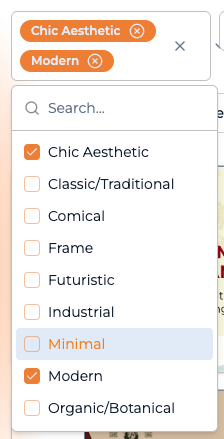
Updated template categorization using new style definitions, enabling the AI to select more appropriate designs based on styles provided by the design team.
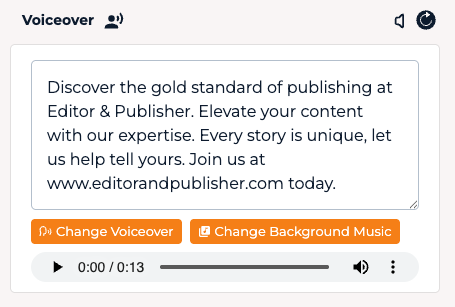
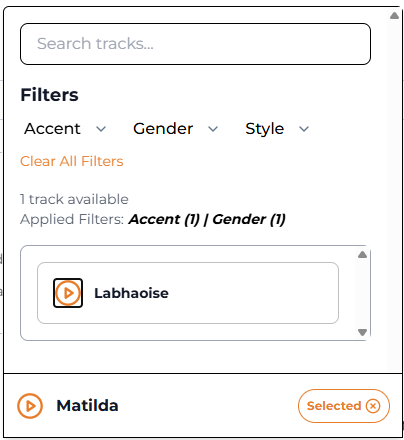
Added the ability to change voiceover settings (gender, accent, etc.) directly from the edit screen.
Enhanced video templates so the AI can automatically search the stock library using generated keywords and replace embedded video clips when applicable.
Fixes
Fixed an issue where the voiceover continued playing when a video was paused.
Fixed an issue where the color picker sometimes displayed HEX values instead of the actual color.
Improved regeneration messaging when rebuilding videos to clearly explain that existing design options will be overwritten.
Addressed an issue where creating a video produced only a single design option instead of multiple variations.
November, 2025
New Features
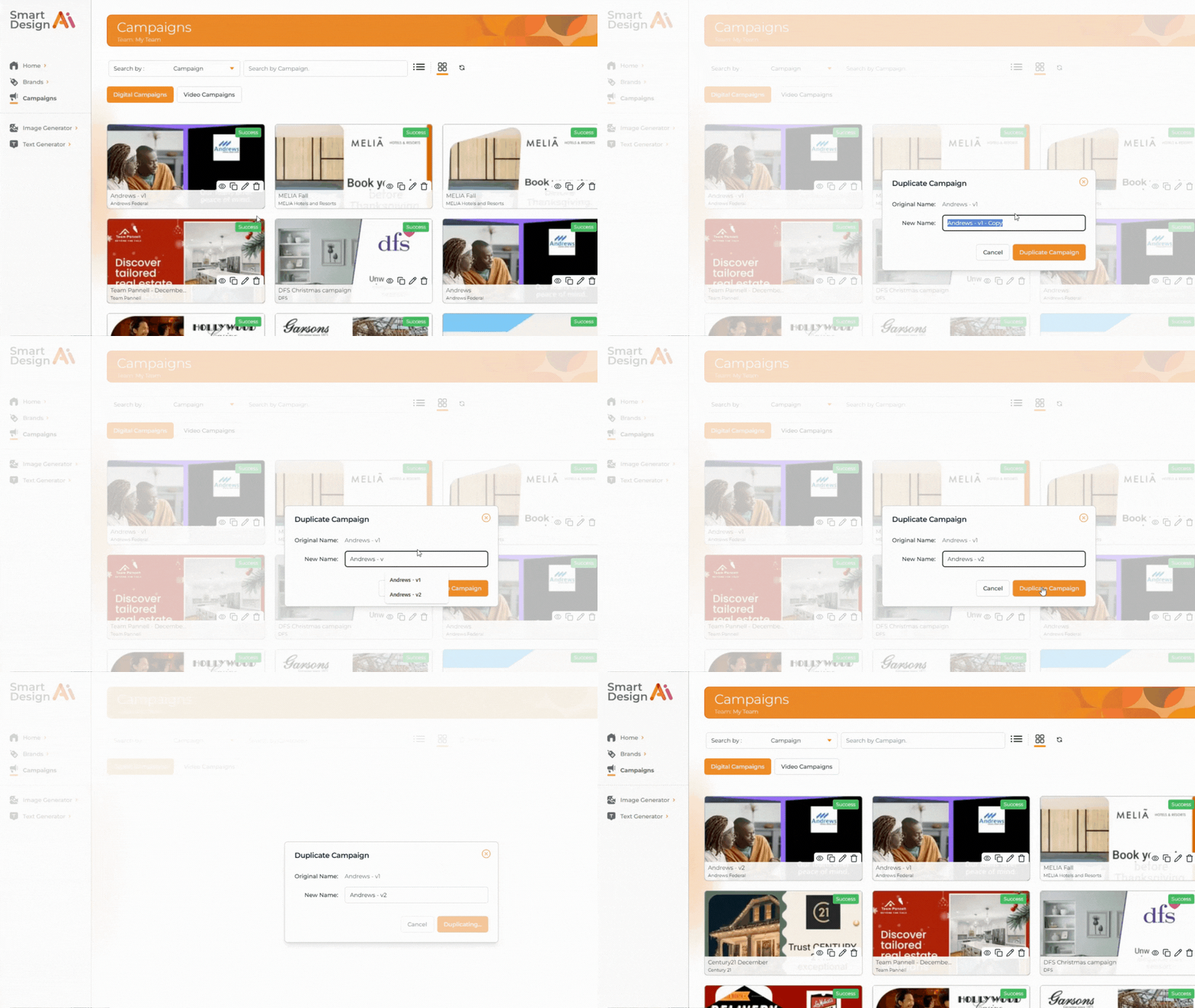
You can now copy a campaign, rename it and then make edits to create a similar style campaign, with new text and images.
In Video creation, added a feature request to display the voiceover script beneath the video, allowing users to align specific lines with corresponding video segments.
In Video creation, added enhanced slide timing controls, enabling users to speed up or slow down individual slides.
Added a feature request for human-in-the-loop (HITL) review of brand memories that fall below a defined quality threshold to maintain accuracy and consistency.
You can now update the brand memory when creating a campaign.
Updated the British Accent Collection with a Northern Irish female voice.
Language now automatically changes to UK or US English, depending on location.
Added Welsh to the languages available for translation. 🏴
Fixes
Fixed an issue preventing Brand Memory from loading PDF brand guidelines. PDFs now upload and display correctly.
Fixed an issue where video edits were not saving or appearing in shared versions. All changes now update and display properly.
Fixed an issue where voiceover edits were not saving correctly. Pronunciation and text adjustments now persist in the final video.
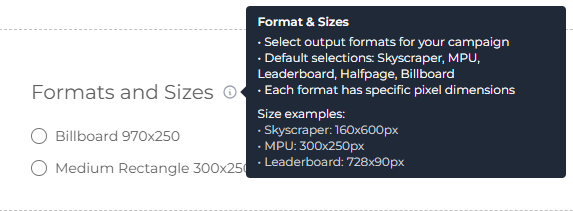
Added Help Tips throughout the platform.
In Campaign Images, we made it more obvious how to close the window.
October, 2025
New Features
Added playback controls to shared links, allowing clients to pause and replay content.
Emails are now automatically sent to the requester with a link to the generated assets once they are created.
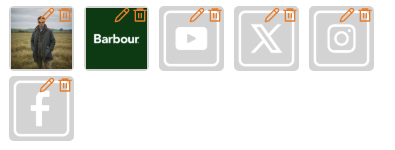
Added the option to remove social media icons that are not relevant to a client.
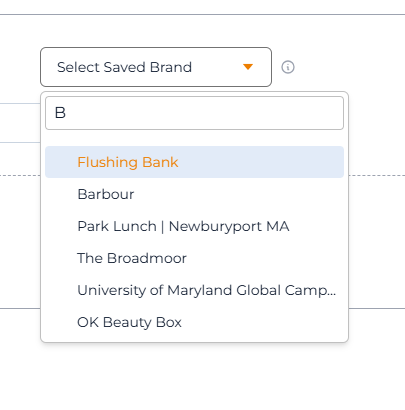
Added search functionality to the “Select Saved Brand” section, enabling users to quickly find and select saved brands.
Improved the user journey to allow smooth progression from brand memory creation to campaign setup without backtracking.
Added tooltips to support new users as they create a brand memory, build a campaign and make edits. You can close them whenever you like, they are very understanding.
Fixes
Fixed an issue where user-entered campaign names were being overwritten by SmartDesign AI, causing duplicate campaign titles.
Fixed an issue where deleting a brand memory and attempting to recreate it caused an “already exists” error in SmartDesign AI.
Fixed an issue in the SmartDesign AI editor where clicking on images, logos, or text redirected users to the linked website. Users can now move and edit elements freely.
Fixed an issue where using text generation within a campaign produced additional copy that ignored the campaign brief.
Fixed an issue where images occasionally failed to display in one of the creative preview modes.
On iPad, fixed display issues on the “Add a Brand” screen so all fields and buttons are visible. The layout now prioritises existing brands and campaigns.
On iPad, fixed inconsistent formatting of text fields and buttons for better alignment and sizing.
On iPad, improved digital campaign and video creation performance and enlarged the video preview for clearer visibility.
September, 2025
New Features
Added support for PDF uploads in the Campaign Images section. After uploading a PDF, users can select Generate AI Brief and include instructions such as “Use PDF to generate ads.” Available for digital campaigns only.
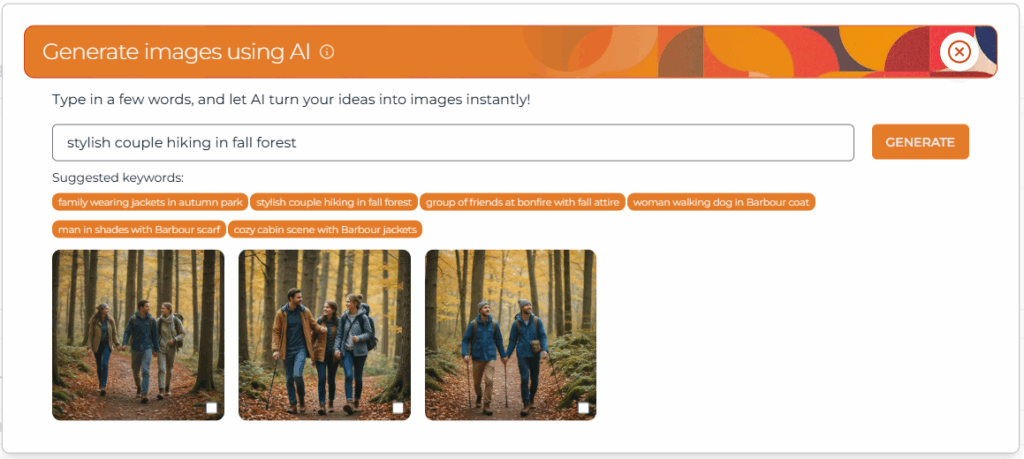
Added search suggestions during AI image generation to help users find relevant image prompts more easily.
Added real-time status updates for video campaign builds, matching the progress feedback provided for digital campaigns.
Updated default voiceover level to 10, aligning with recommended audio settings for better playback quality.
Set default music level to the recommended value for balanced audio output.
Fixes
Fixed an issue preventing users from searching and selecting saved brands in “Select Saved Brand.”
Fixed missing voiceovers during playback, download, or regeneration. Audio now plays consistently.
Fixed voiceover cut-off and sync issues at the end of videos.
Fixed website address formatting to remove “https://” for cleaner display.
Fixed telephone number formatting to show local format instead of international codes.
Fixed an issue where cropped images could not be re-cropped. Users can now adjust images multiple times.
Fixed outro fields (address, telephone, etc.) not updating automatically with the latest information.
Fixed intro text not populating as expected. Intro fields now load correctly.
If you have an idea for a new feature in SmartDesign AI, or if you spot a bug that somehow escaped our team, email us at hello@mediaferry.com. We promise to treat both with equal urgency.